





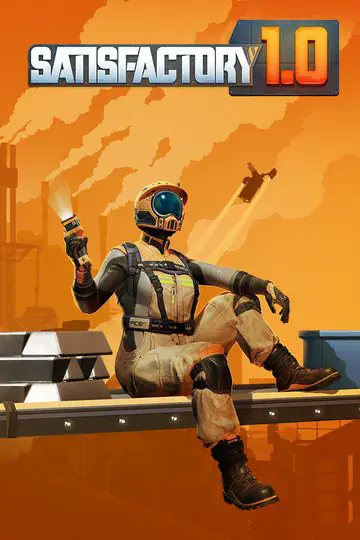
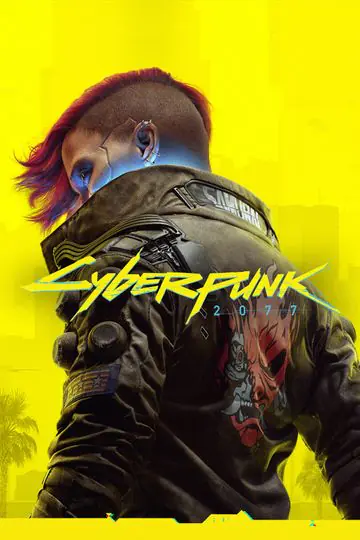






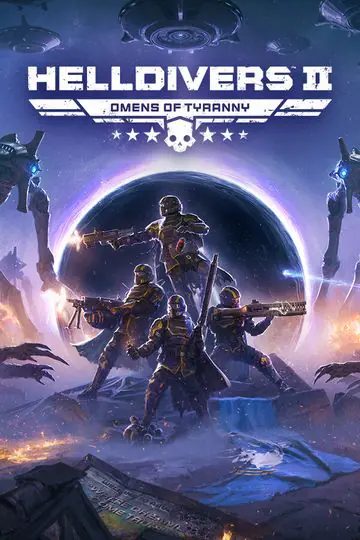





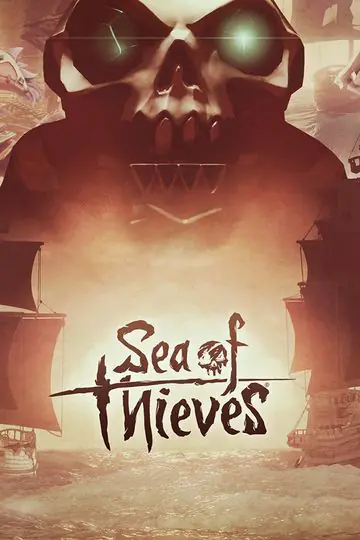



























Coming soon to Apple silicon Macs
Your PC games,
finally on your Mac.
Steam, Epic Games, GOG, Battle.net, Ubisoft Connect: install your launcher, hit Play. No PC, no Windows license.
Gaming on a Mac, your games kept saying no.Now they say yes.
No more keeping a PC around to play with your friends. Two steps, and you’re in the game.
Step 1
Install the app
It sets everything up on its own. You just add D3DMetal, Apple’s free graphics translation layer.
Step 2
Add your games, and play
From your launcher or the game’s own installer. One click on Play, and you’re off.
One launcher for all your games.
The app installs Steam, Epic Games, GOG, Battle.net and Ubisoft Connect, each in its own Windows. Their games show up in your library automatically.
Steam · Epic Games · GOG Galaxy · Battle.net · Ubisoft Connect
Be among the first to play.
Leave your email: we’ll tell you as soon as Kubbe is ready, and keep you posted until then.
What’s coming
- Unlimited games, every launcher
- Crash diagnostics
- Four graphics engines
- Engine updates included
M1 Mac or newer · macOS 15 or later
Games protected by BattlEye aren’t supported.
On Mac, this anti-cheat stops the game from starting: that’s the case for Fortnite, PUBG, Rainbow Six Siege, Destiny 2 and GTA V’s online mode. Same goes for anti-cheats that run deep inside Windows, like Vanguard (Valorant).
Frequently asked questions
No. The app is built on Wine, free software that runs Windows programs without Windows.
A Mac with Apple silicon (M1 or newer) running macOS 15 or later. The most demanding games run best on a recent chip.
Most DirectX 9 to 12 games run. Games protected by BattlEye (Fortnite, PUBG, Rainbow Six Siege, Destiny 2…) or by an anti-cheat that runs deep inside Windows, like Vanguard, won’t start.